Your tabs, in a sidebar
Favorites up top, pinned tabs below, today’s tabs underneath. Group them in folders, nest them, drag them anywhere. Long titles finally have room to breathe.
Open source — coming soon
Arrow is a browser for macOS that gathers your tabs in a sidebar, sorts your life into spaces and tidies up after you — without ever watching what you do.
For macOS 15 or later · Apple silicon
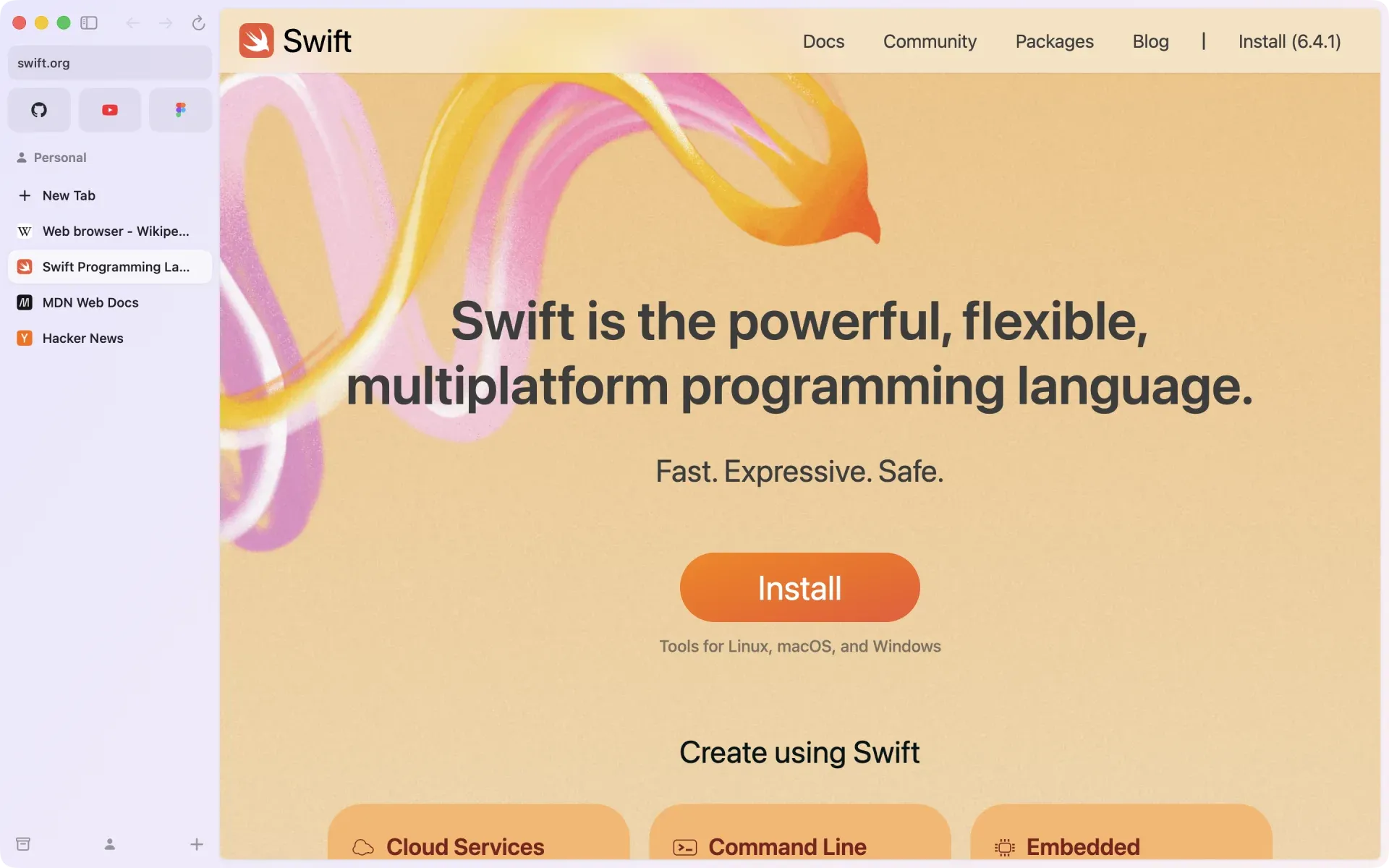
Spaces
Work, home, that side project: each space keeps its own pinned tabs, its own colors and, if you like, its own profile with separate cookies and logins. Switch with a two-finger swipe or ⌃1–9.
Features
Arrow keeps the web organized, so you can focus on what you came to do.
Favorites up top, pinned tabs below, today’s tabs underneath. Group them in folders, nest them, drag them anywhere. Long titles finally have room to breathe.
Press ⌘T to search, open an address, jump to an open tab or run a command. Type a site’s name, then Tab, to search it directly.
Up to four pages, side by side or stacked. Drop a tab onto the page to split it.
Tabs you haven’t touched slip into the archive after 12 hours, a day, a week or a month. Nothing is lost.
Press ⌥⌘N from any app for a small window and a quick lookup. Keep it, or send it to a space.
Links from your pinned tabs open in a card above the page, so you never lose your place.
Change a site’s colors and fonts, hide what distracts you, or add your own CSS and JavaScript.
Write rich-text notes, or gather captures, images and sketches on a free-form canvas.
Bring your bookmarks from Chrome, Brave, Edge, Vivaldi or Safari — or your spaces, themes, pinned tabs and favorites from Arc.
Privacy
We’re building Arrow on a simple principle: what you do online is your business. Not ours, and certainly not advertisers’.
Arrow doesn’t measure how you use it, and never shows you ads.
A built-in blocker stops ads and trackers on every site before they load. Turn it off for a site whenever you need to.
History, tabs, notes and settings live on your Mac. Passwords go in your Keychain, behind Touch ID.
Give a space its own profile to keep cookies and logins apart. Private windows keep nothing once closed.
And because Arrow will be open source, you won’t have to take our word for it.
Open source
We’re getting the code ready to be published under an open-source license. You’ll be able to read every line, check our privacy promises, build Arrow yourself and help shape what comes next.
Follow on GitHub